
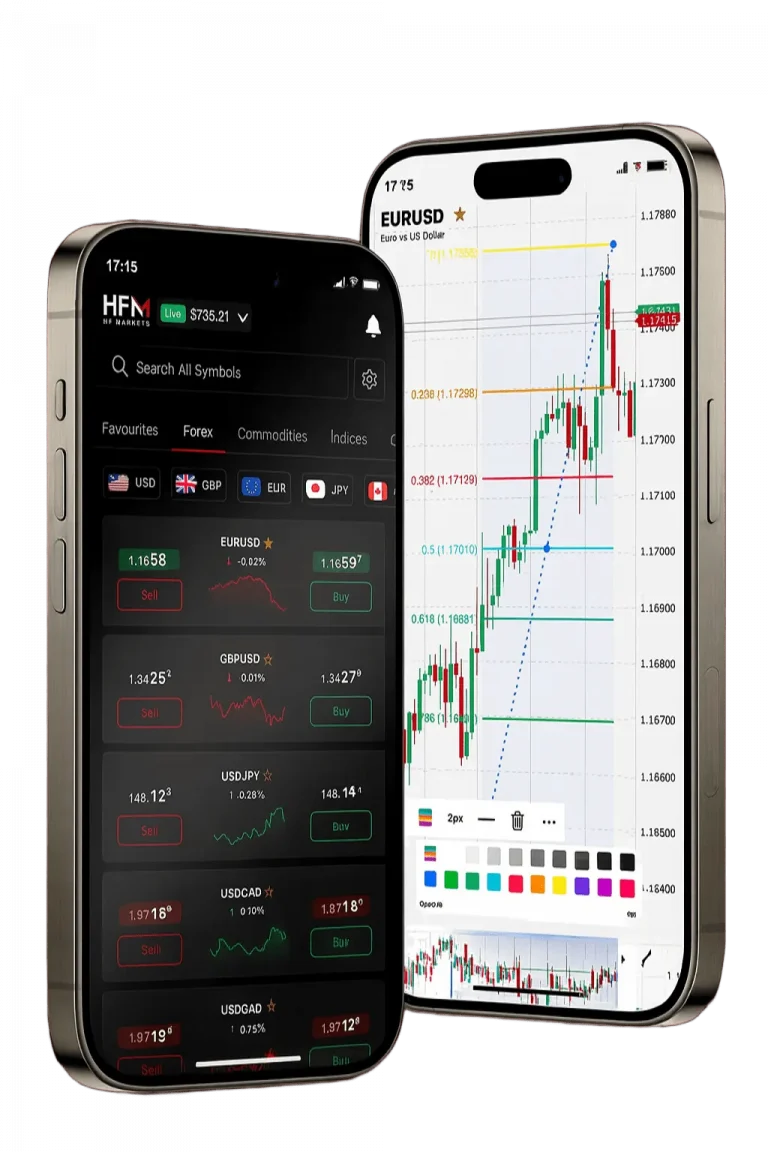
Getting Started with HFM MT4 in South Africa
Our company provides MetaTrader 4 (MT4) as a leading trading platform for South African clients. We offer access to forex pairs, commodities, indices, and cryptocurrencies through a single interface. Our MT4 platform supports deposits and withdrawals in South African Rand (ZAR), ensuring ease of fund management locally. Traders benefit from advanced charting tools, automated trading options, and live market data 24 hours a day, five days a week. Registration requires a South African ID or passport and a recent proof of address, with verification completed within one business day.
| Account Type | Minimum Deposit | Spread | Leverage | Commission |
|---|---|---|---|---|
| Premium | No minimum | From 1.2 pips | Up to 1:2000 | Zero |
| Cent | No minimum | From 1.2 pips | Up to 1:1000 | Zero |
| Zero | R1,000 | From 0 pips | Up to 1:500 | R35 per lot |
By offering zero-commission accounts and flexible leverage, we cater to both beginner and professional traders. Our platform supports over 300 instruments, including forex currency pairs and CFDs on indices and commodities. South African traders can expect fast execution speeds and reliable connectivity to global markets. The MT4 platform is configured to maintain high uptime and stability for uninterrupted trading. We provide full customer support tailored to South Africa’s regulatory environment.
MT4 Platform Download and Installation Process
Desktop Installation Requirements
Our MT4 desktop application is compatible with Windows 7, 8, 10, and 11. You need at least 50MB of disk space and 512MB of RAM to run the software smoothly. After account verification, log into the client portal to download the appropriate 32 or 64-bit installer. The setup completes automatically without additional software or drivers. Desktop users can access all platform features, including Expert Advisors and custom indicators.
Mobile App Configuration
For mobile trading, the MT4 app supports Android devices running version 4.0 or higher and iOS devices from version 9.0 onward. The app offers a touch-optimised interface with full trading functionality. It includes price alerts, margin notifications, and trade execution updates via push notifications. Download the MetaTrader 4 app directly from Google Play Store or Apple App Store, ensuring you select the authentic MetaQuotes Software Corp version. We do not distribute modified apps.
Account Setup and Verification Steps
To begin trading, visit our official website and click on “Open Account” in the main menu. Choose between a Live Account for real trading or a Demo Account to practice without risk. Complete the registration form with your full name, email, phone number, and residential address in South Africa. Select ZAR as your base currency to avoid conversion costs during deposits or withdrawals.
Upload the required documents through our secure portal: a South African ID or passport and a recent utility bill or bank statement dated within 90 days. We accept files in PDF format up to 5MB in size. Our verification team processes submissions within 24 hours on business days.
After approval, you receive your MT4 login credentials by email, including your account number, password, and server details. Keep these details confidential as they grant access to your trading account.
- Open the account application form on our website.
- Fill in accurate personal and contact information.
- Upload identification and proof of address documents.
- Wait for verification confirmation email (within 24 hours).
- Log in to MT4 platform using provided credentials.
Funding Your HFM MT4 Account
Available Payment Methods
We accept various payment options suited for South African traders. Credit and debit cards (Visa, Mastercard) process deposits instantly without extra charges. Bank transfers from South African banks take 1 to 3 business days. E-wallets such as Skrill and Neteller support ZAR payments with immediate crediting. Deposits incur no fees from our company regardless of the method selected.
Deposit Process Walkthrough
Log into the client portal and open the “Deposit” tab from the dashboard. Choose your preferred payment option from the listed methods. Enter the deposit amount in ZAR, then follow the payment processor’s prompts. Card and e-wallet deposits reflect within minutes; bank transfers require additional processing time.
| Payment Method | Processing Time | Minimum Amount | Maximum Amount |
|---|---|---|---|
| Visa/Mastercard | Instant | R100 | R50,000 |
| Bank Transfer | 1-3 days | R500 | R100,000 |
| Skrill | Instant | R100 | R25,000 |
| Neteller | Instant | R100 | R25,000 |
We recommend verifying your account prior to funding to ensure smooth deposit processing. Our system immediately credits accounts once payments clear, allowing you to start trading without delay. Withdrawals follow similar procedures with equivalent payment methods.
MT4 Platform Navigation and Interface
The MT4 interface is designed for efficiency and clarity. The Market Watch window displays live bid and ask prices for all supported instruments. Right-clicking on any symbol gives options to open charts, place trades, or view specifications. Over 300 instruments are available including forex pairs, commodities, indices, and cryptocurrencies.
Chart windows offer 30 technical indicators and 24 drawing tools for precise analysis. Multiple timeframes from one minute to monthly are supported, enabling flexible strategy implementation. Unlimited historical data is saved for backtesting and strategy refinement.
Order Execution Features
Our platform supports instant execution with average speeds below 100 milliseconds. Market orders execute immediately at current prices. Pending orders activate when price levels are reached, with six order types supported: buy stop, sell stop, buy limit, sell limit, and more. Stop loss and take profit can be specified during order entry or adjusted later. Trailing stops automatically follow profitable trades to lock in gains. Trade sizes range from 0.01 micro lots to 500 lots, depending on account and margin availability.
Trading Tools and Technical Analysis
Built-in Indicators and Tools
Our MT4 platform includes comprehensive technical indicators for precise market analysis. Popular trend indicators such as Moving Averages, MACD, and Bollinger Bands provide trend direction insights. Oscillators like RSI, Stochastic, and Williams %R help identify overbought or oversold market conditions. Users can customise indicator parameters to fit their trading strategies. Drawing tools include trend lines, Fibonacci retracements, and geometric shapes for manual chart annotations.
Expert Advisors and Automated Trading
We support Expert Advisors (EAs) which allow automated strategy execution on MT4. Upload custom-built EAs via the Navigator panel or download community-created scripts. The platform executes trades based on programmed logic without manual input. Our strategy tester enables backtesting of EAs using tick-level historical data for realistic results. Enable automated trading in settings to activate EA operation during market hours.
| EA Category | Description |
|---|---|
| Scalping Algorithms | Short-term trade execution for quick profits |
| Grid Systems | Range trading with multiple open positions |
| Trend Following | Directional strategies based on market trends |
| News Trading | Reacting to economic event price movements |
| Portfolio Management | Risk distribution across multiple instruments |
Risk Management and Security Features
Our platform includes negative balance protection, preventing account equity from dropping below zero during high volatility. Positions automatically close when equity nears minimum levels, protecting clients from debt. Client funds are held separately in tier-1 South African banks, ensuring safety and compliance with FSCA regulations. All data transfers use SSL encryption to protect user information.
Margin requirements and position sizing are calculated automatically based on leverage and trade volume. Real-time margin monitoring alerts traders when equity approaches margin call or stop out levels. We provide manual stop loss and take profit settings for every trade to control risk exposure.
| Risk Feature | Description | Activation |
|---|---|---|
| Stop Loss | Closes position at preset loss level | Manual setting |
| Take Profit | Closes position at target profit | Manual setting |
| Margin Call | Warning at 50% margin level | Automatic |
| Stop Out | Position closure at 20% margin level | Automatic |
Advanced Trading Strategies
Scalping Techniques
Our MT4 platform supports rapid scalping strategies with execution speeds optimised under 100 milliseconds. Access to Level II pricing data for major forex pairs allows precise entry and exit points. Scalping is most effective during the overlapping London and New York trading sessions with high liquidity.
- Set chart timeframes to 1-minute or 5-minute intervals.
- Use momentum indicators like RSI and Stochastic for entry signals.
- Apply tight stop losses and take profit levels for risk control.
- Maintain position sizes between 0.1 and 1.0 lots.
- Monitor spreads closely as scalping requires low transaction costs.
Swing Trading Approaches
Swing traders use our MT4’s extensive charting tools and alert systems to capture medium-term price moves. Set alerts at key support and resistance zones to catch reversal signals. Holding periods range from days to weeks, suitable for traders with limited daily screen time.
Combine Fibonacci retracement levels with moving average crossovers and MACD for trend confirmation. Our platform integrates an economic calendar to notify traders of upcoming events impacting currency pairs and indices. This helps plan trades around volatility and news releases.